 Sense Bridge
01 · Original text · FR → EN
Facture 104 · Internet
Montant : 48 EUR
Date limite de paiement : 21 octobre 2026Fictional example
Sense Bridge is an app that translates and explains letters. Add a photo or paste the text to understand the message, important deadlines and possible next steps.
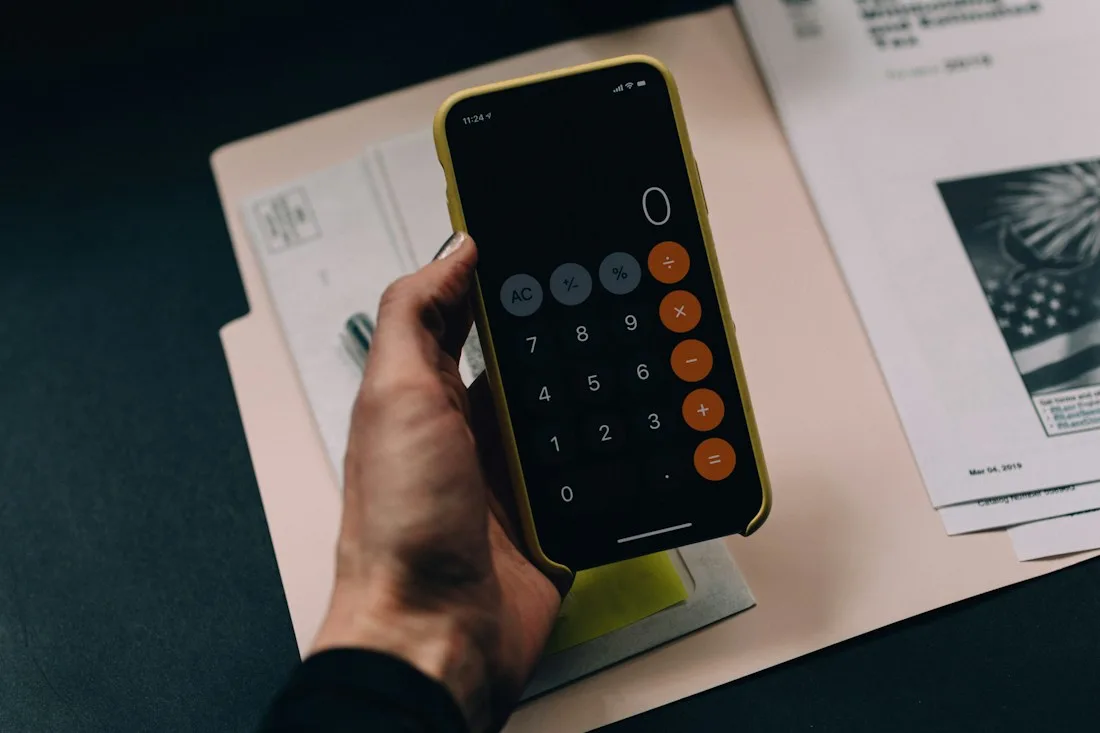
Fictional example. The original app interface shows a prepared, translated example result.
Facture 104 · Internet
Montant : 48 EUR
Date limite de paiement : 21 octobre 2026Fictional example
Next step
Check the recipient and account number against information from your provider before making the payment.
The amount and deadline alone do not confirm that an invoice is authentic. Check the payment details.
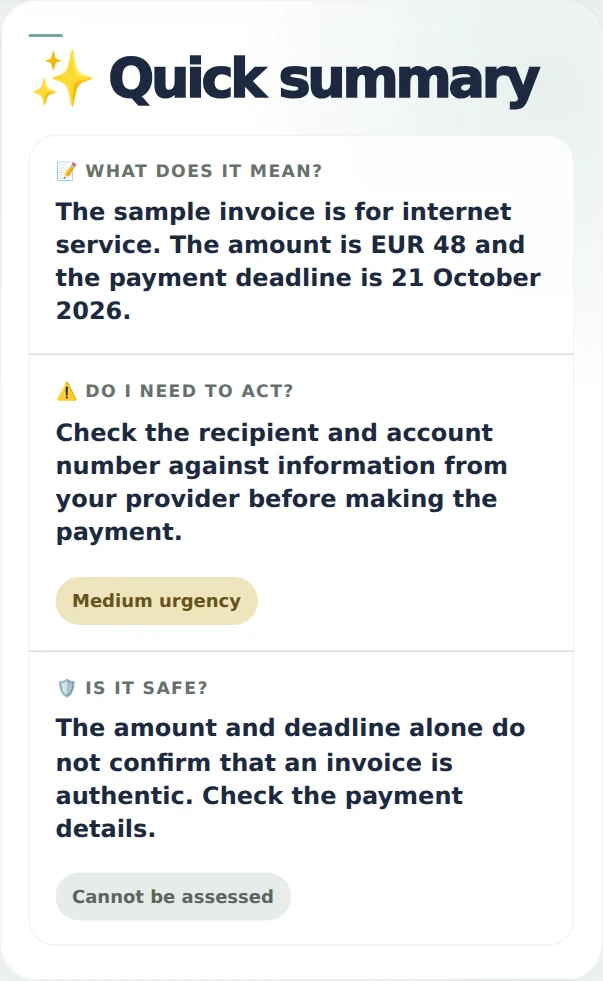
Fictional example
Check the recipient and account number against information from your provider before making the payment.
The amount and deadline alone do not confirm that an invoice is authentic. Check the payment details.
What happens after 7 uses?You start with 7 free uses. After using them, you can request further free access. Requests are reviewed manually; access depends on service availability and the number of people using it.
Open the appOn Android, get Sense Bridge from Google Play or install it from your browser as a PWA. On iPhone, iPad and desktop, follow the instructions below.
Also on Google Play
Get it on Google PlayIn Facebook or Instagram, open the link in Safari or Chrome first. Option names may vary by browser.
